
✓MACOS DOWNLOAD STARTED
Thanks for downloading!
Just a few steps left
Your download will begin automatically. If it didn't start, .
1
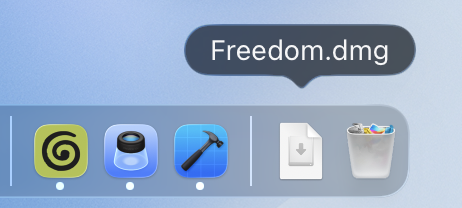
Open Freedom.dmg from your Downloads folder
2
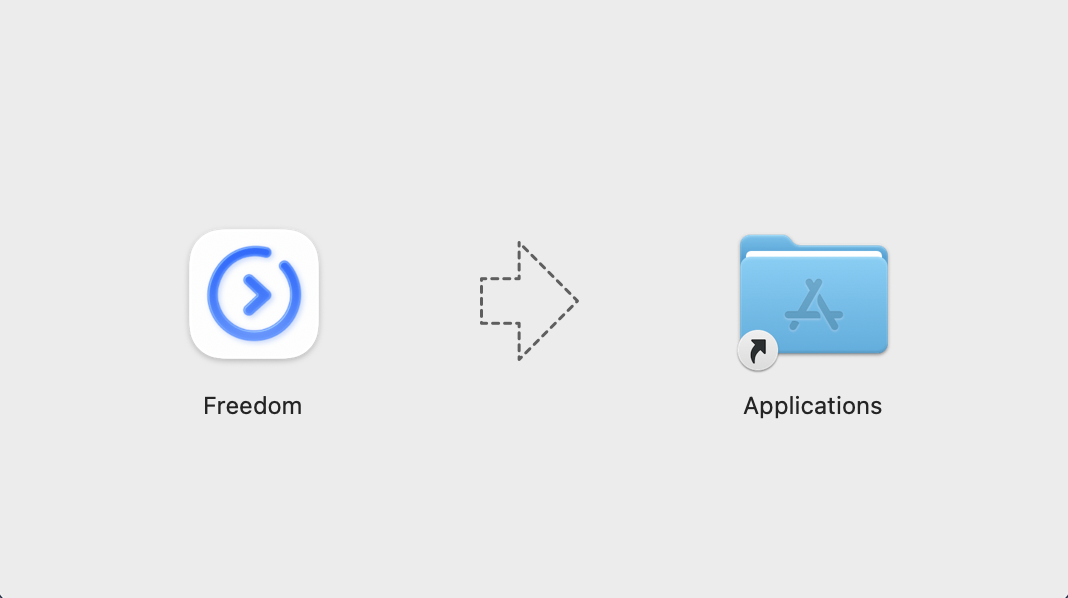
Drag the Freedom icon into your Applications folder
3
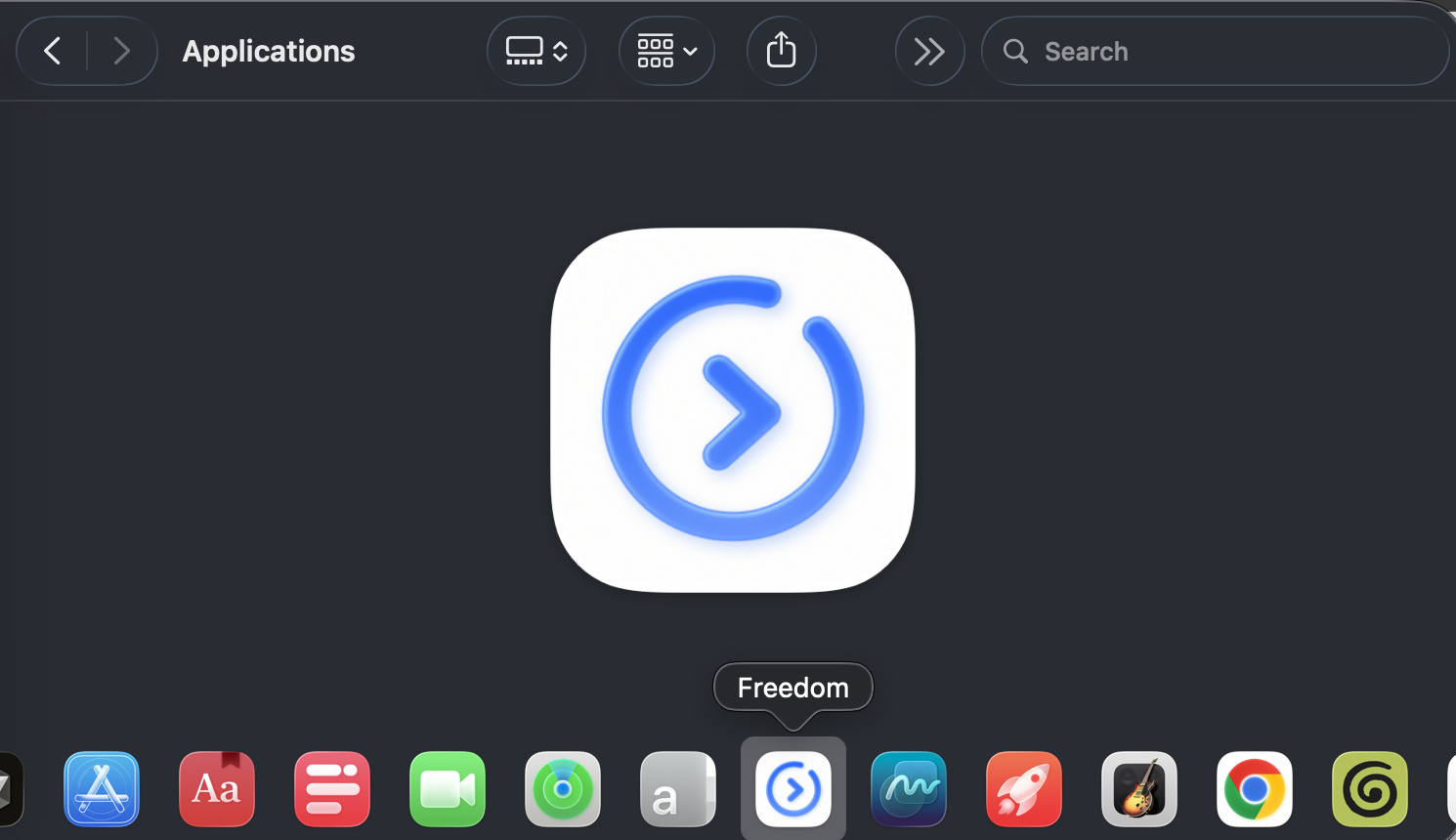
Open the Freedom app from your Applications folder
Fix "Freedom is damaged" or "Can't be opened" on macOS
On macOS Sequoia and Sonoma, Apple strictly blocks independent open-source apps downloaded from the web by attaching a quarantine attribute (com.apple.quarantine). Because Freedom is an open-source build without a paid Apple Developer certificate, right-click and System Settings options will not show up until you run the quick 5-second fix below.
1-Step Guaranteed Fix (Takes 5 seconds)
Open Terminal on your Mac- Make sure Freedom.app is moved into your Applications folder.
- Open Terminal (Press Cmd + Space, type Terminal, and press Enter).
- Copy and paste the command below, then press Enter:
xattr -cr /Applications/Freedom.appOnce executed, double-click Freedom.app in your Applications folder and it will launch instantly!
Alternative Command (If permission denied)
sudo xattr -rd com.apple.quarantine /Applications/Freedom.app