
macOS download started/v4.0.3 early access
Setting up Freedom
Your download began automatically. If it didn't start, .
1
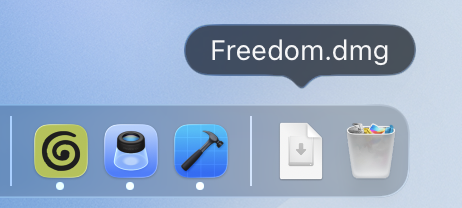
Open Freedom.dmg from your Downloads folder
2
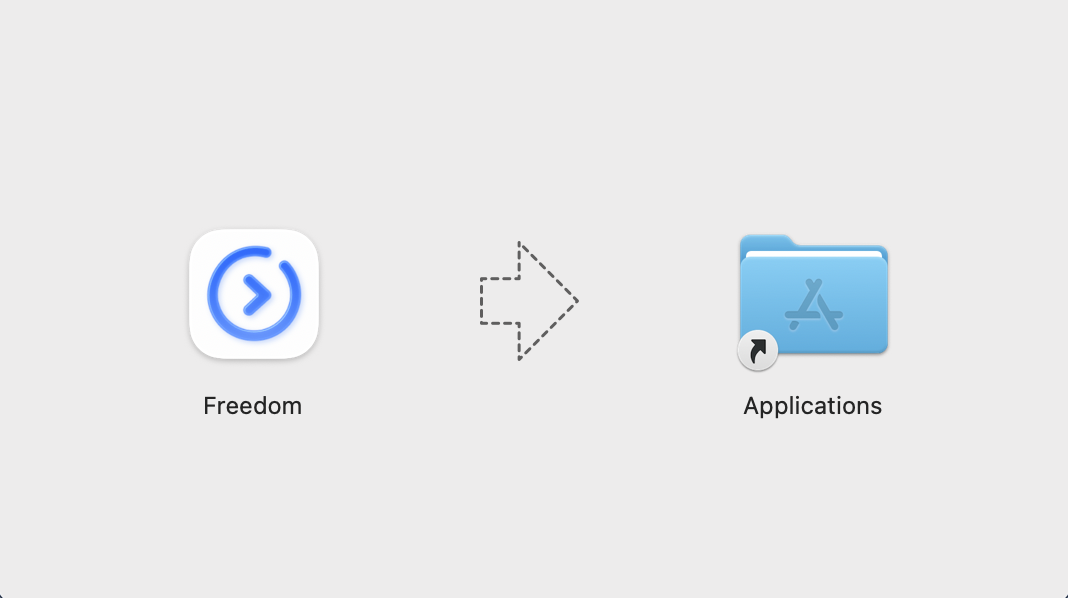
Drag the Freedom icon into your Applications folder
3
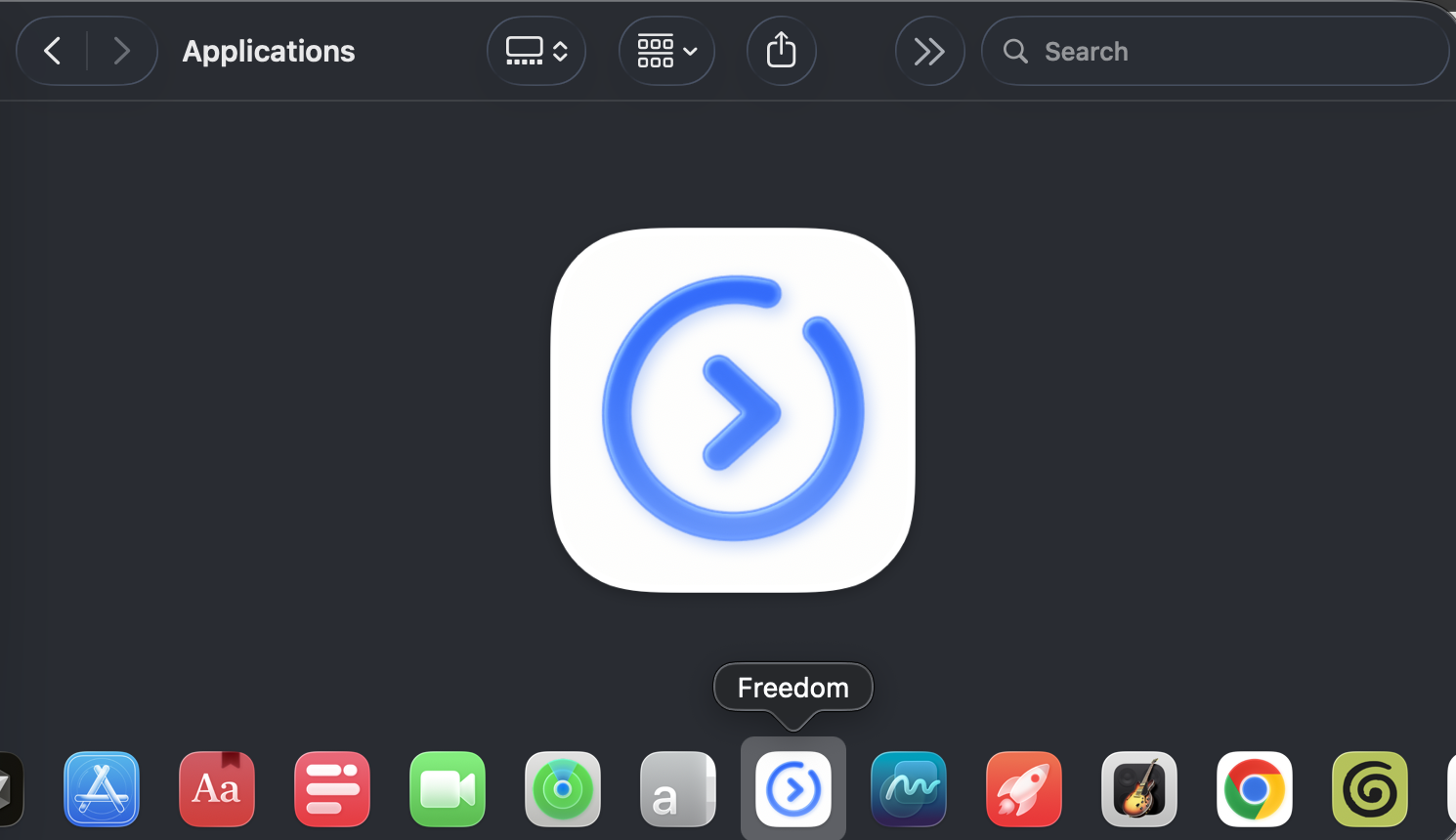
Launch Freedom from Applications
Opening Freedom on macOS Sequoia and Sonoma
macOS Gatekeeper tags apps downloaded outside the App Store with an extended quarantine attribute. If prompted that the app is unverified, clear the attribute with one Terminal command.
Terminal Command
macOSxattr -cr /Applications/Freedom.appIf permission denied, use sudo: